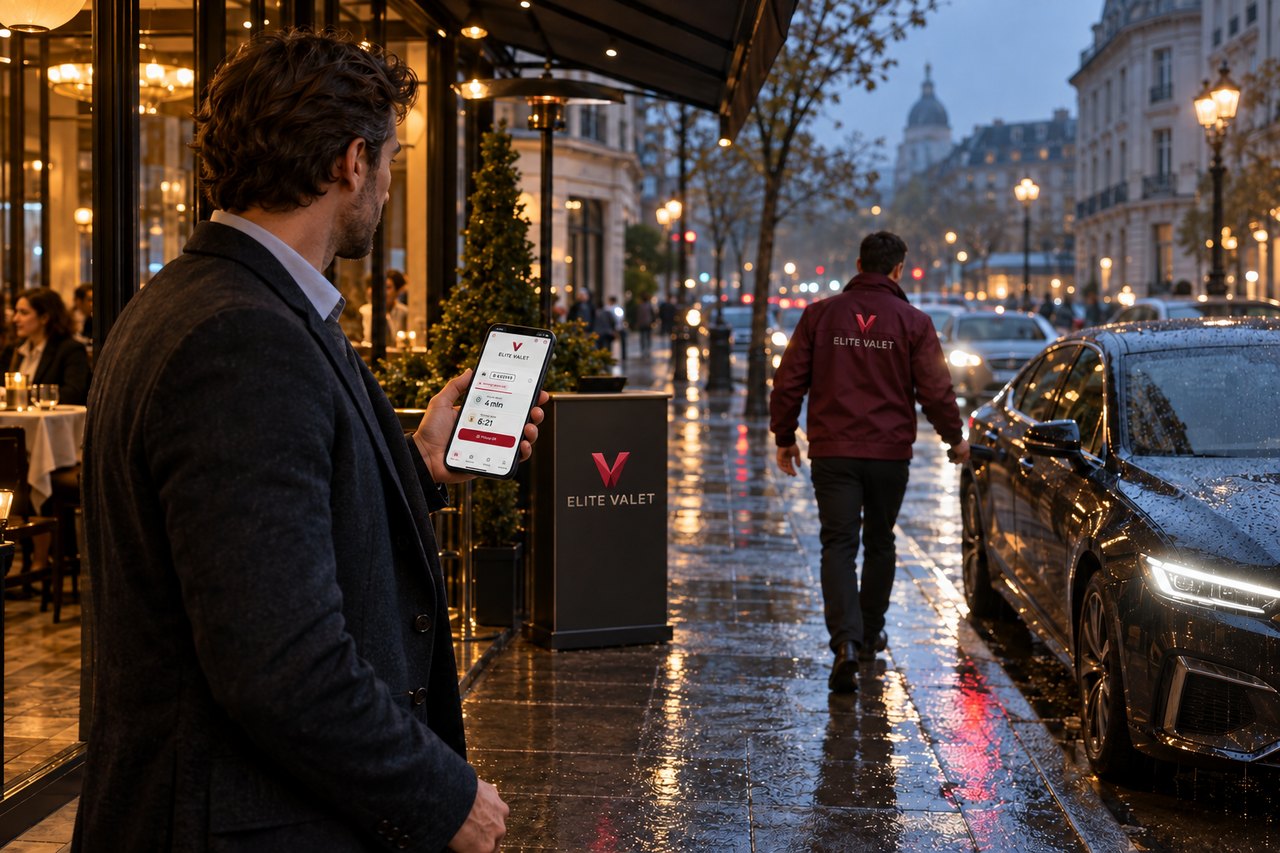
How it works
From arrival to goodbye, step by step.
Use the Elite Valet app, or a guest ticket if you prefer not to install anything.
With the app
-
01
Show your arrival code
Choose your car in the app and show the QR to the valet. It works once and expires after 15 minutes.
-
02
Your car is parked
The valet records where the car is parked. You see the place and the person responsible.
-
03
Ask for your car
Tap Bring my car when you are ready. A valet accepts, and you see how long you have waited and when the car will be ready, updated live.
-
04
Collect with your code
Show the pickup code at the pickup point. The valet scans it, or types it in, and hands you the car and keys.
-
05
Confirm and review
Tap Got my car, then tap the stars to rate the visit. You can also pay and see your receipt.